Empty any room in seconds.
Drop your listing photos. We remove the furniture and clutter. See every photo before you pay.
Choose photos
JPEG or HEIC · up to 30 photos · free to preview
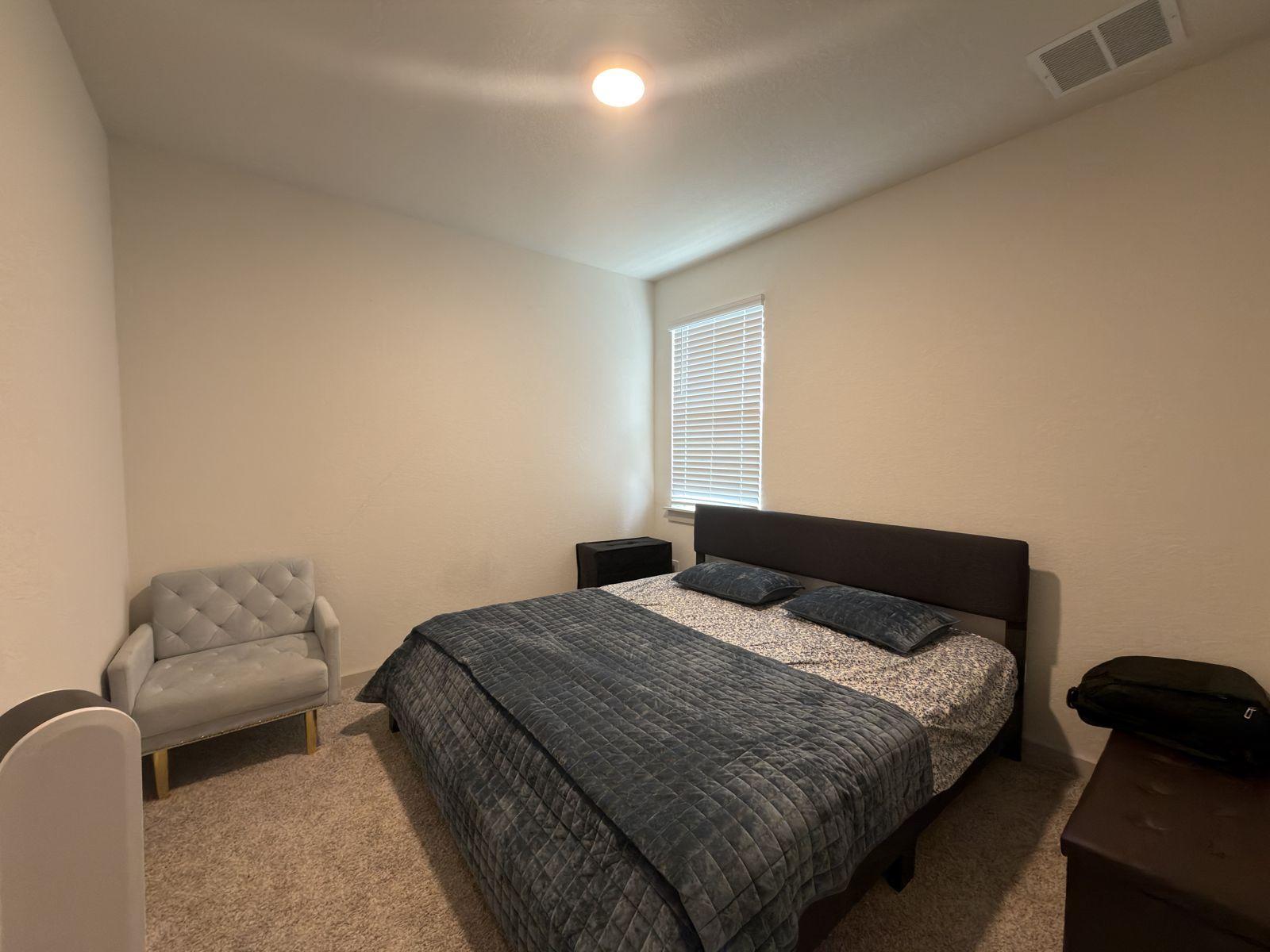
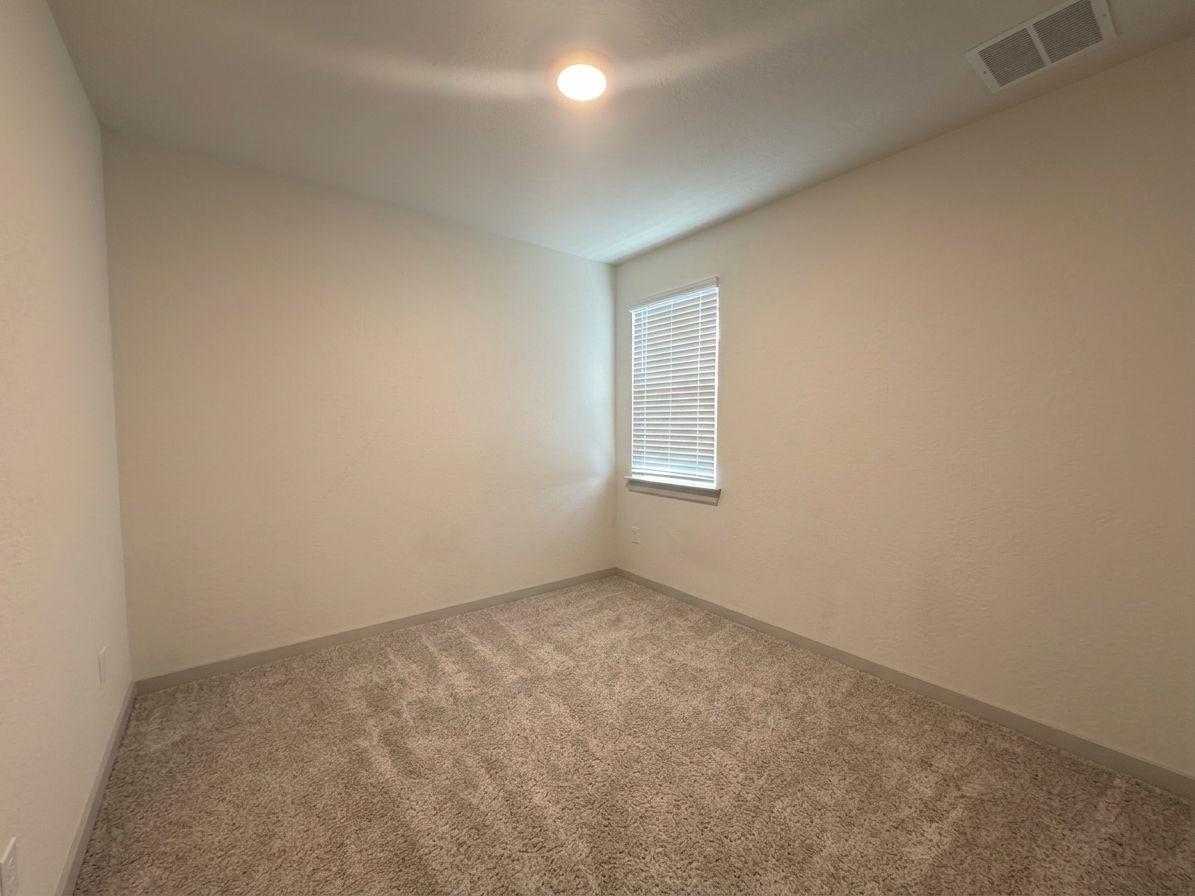
Drag to compare. Appliances, walls, floors and fixtures stay.
Primary Bedroom
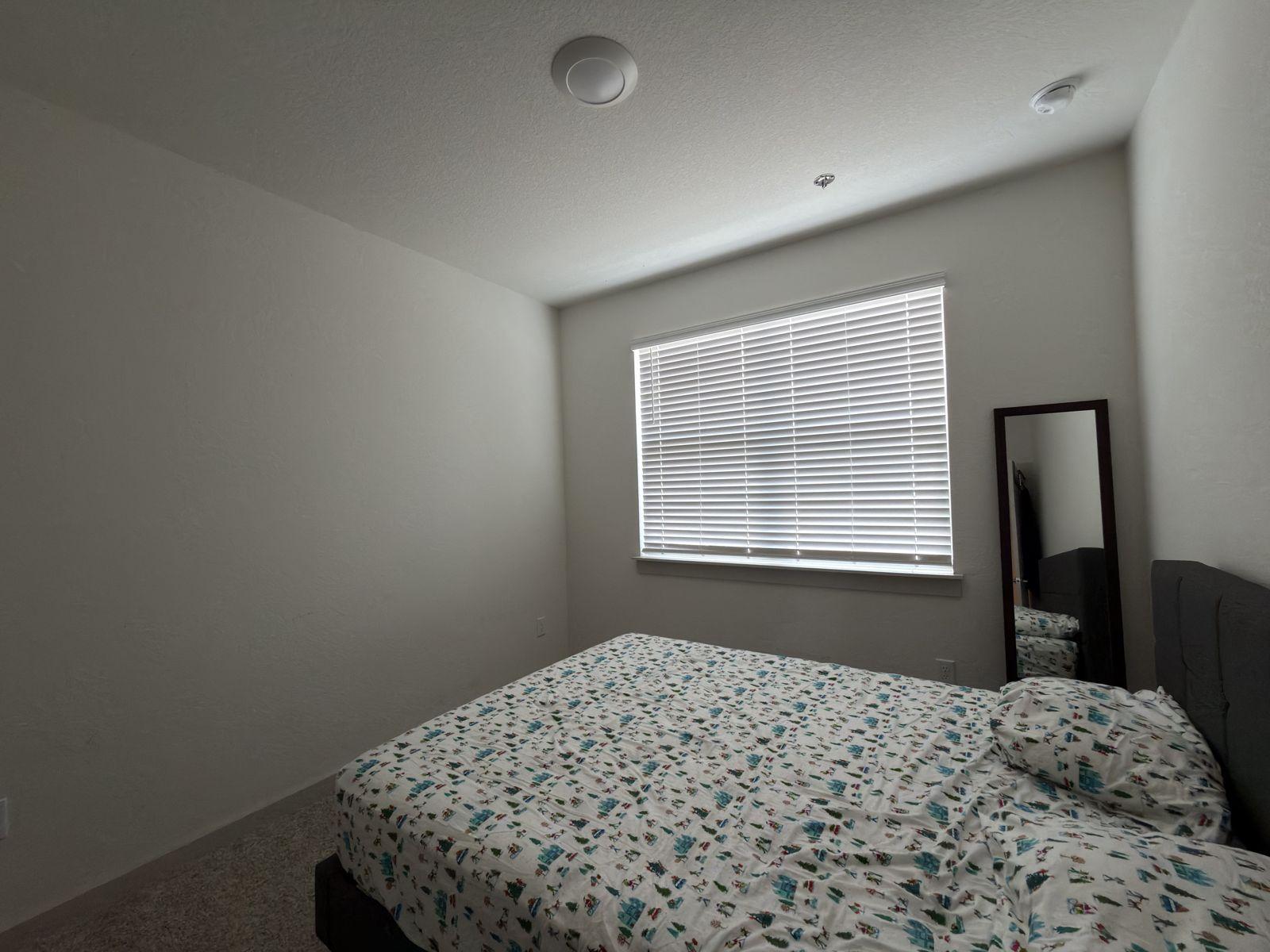
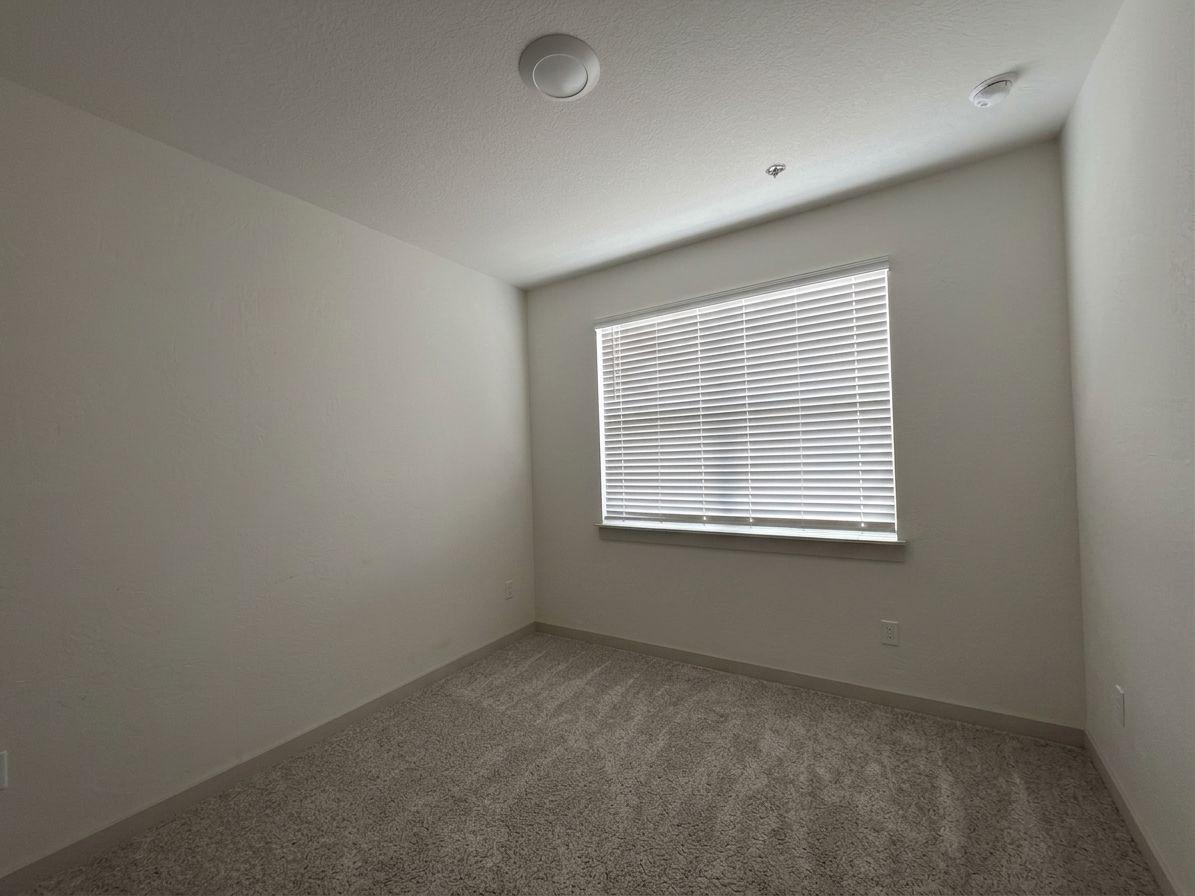
Guest Bedroom
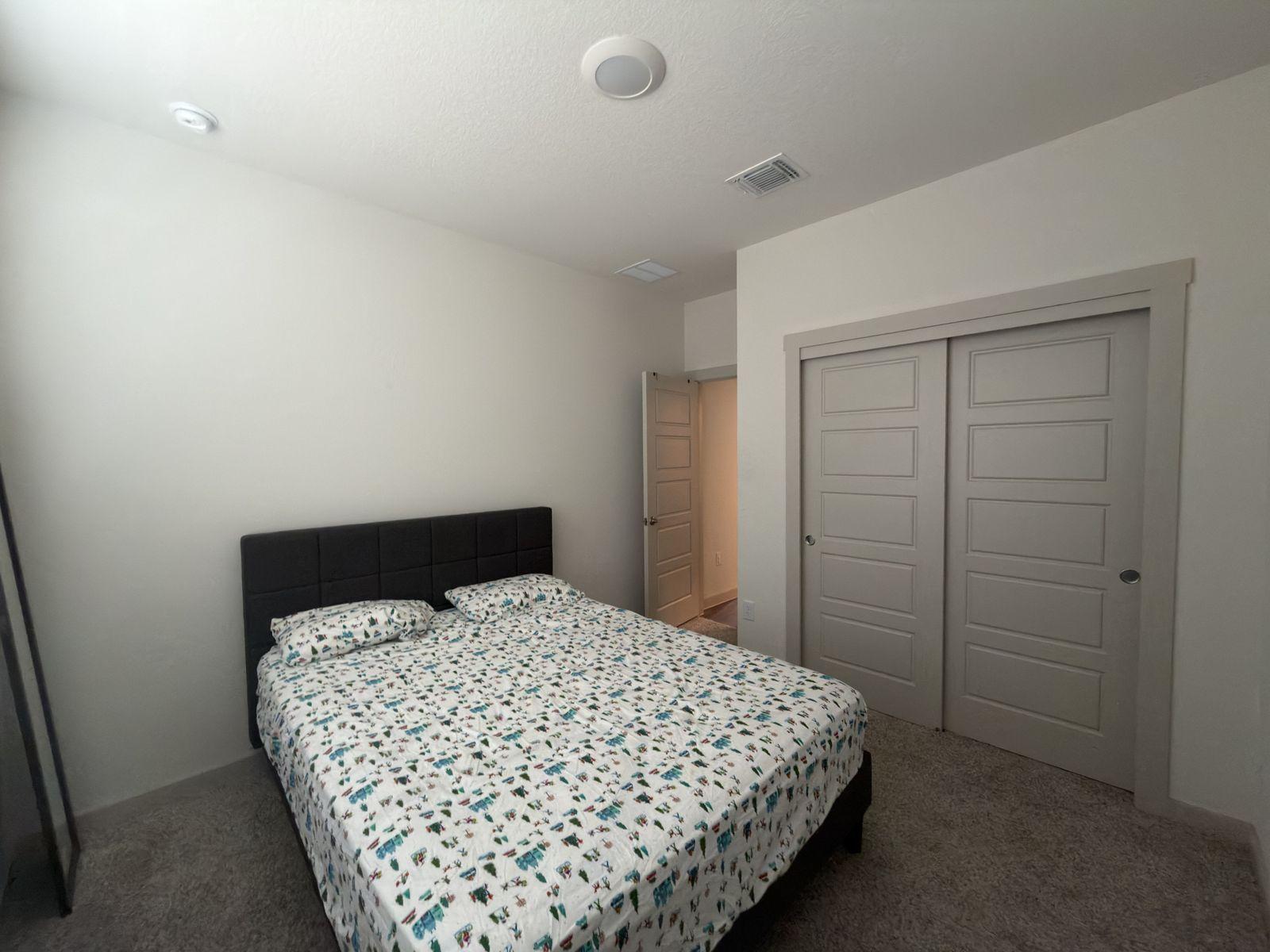
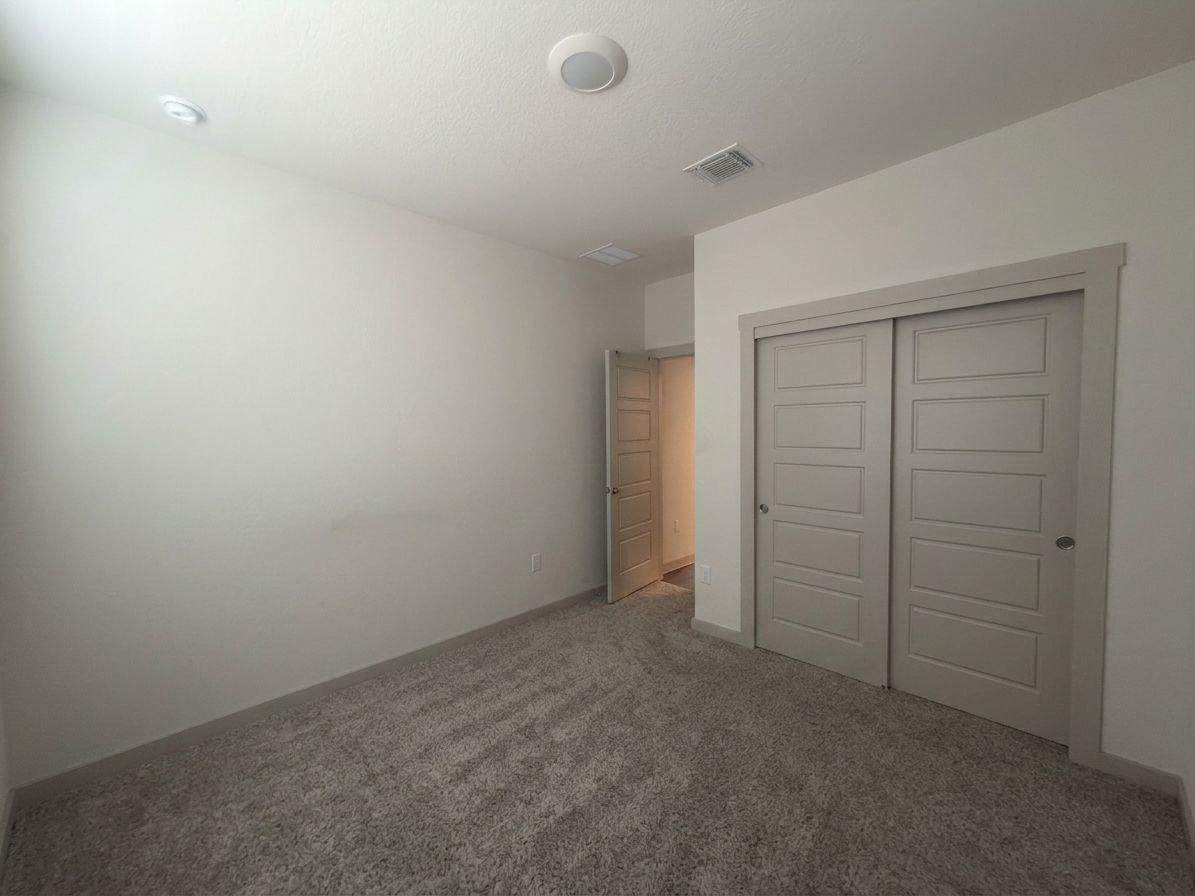
Second Bedroom
Step 1
Drop your photos
Drag a folder in, or pick from your phone.
Step 2
Preview every photo free
Usually done in about two minutes.
Step 3
Pay $39, download
Full resolution, no watermark.
You see every result before paying.
Untick any photo you don't want — you only pay for what you keep.
Questions
What files can I send?
JPEG and HEIC, straight from your phone or your photographer. Up to 30 photos per listing.
How long does it take?
Most listings finish in one to three minutes. You can leave the page — we email you the link.
What gets removed?
Furniture, decor, rugs, personal items and clutter. Walls, floors, windows, cabinets, counters and appliances stay exactly as shot.
Do I have to disclose the edit?
Most boards ask for a note on altered photos. Every result is AI-edited, so check your MLS or board's disclosure rules before you publish.
What if a photo comes back wrong?
Untick it before you pay and it costs nothing. If something slips through, email us and we refund it.